Default settings for watches in Changedetection

I'm addicted to Changedetection for spying on website changes and internet search results for specific keywords, Occasionally also for monitoring price changes. It's quite handy to discover new links added to web directories, or stay updated with some websites that do not provide any RSS feed.

Context

  • I'm watching hundred of URLs.
  • I often spy on webrings and blogrolls to discover new interesting links, and also on search engines results for specific keywords.
  • I'm self-hosting Changedetection through Cloudron.
  • I'm mostly following through those watches via my RSS Reader, Miniflux.
  • For some specific changes, like weather bad conditions, I subscribe via ntfy.

Anyway, I've developed a few habits that fit my workflow so well for every new watch, which are:

Settings > General

This is where we set defaults for all future watches, it's pretty obvious you must start here. Here is my current setting:
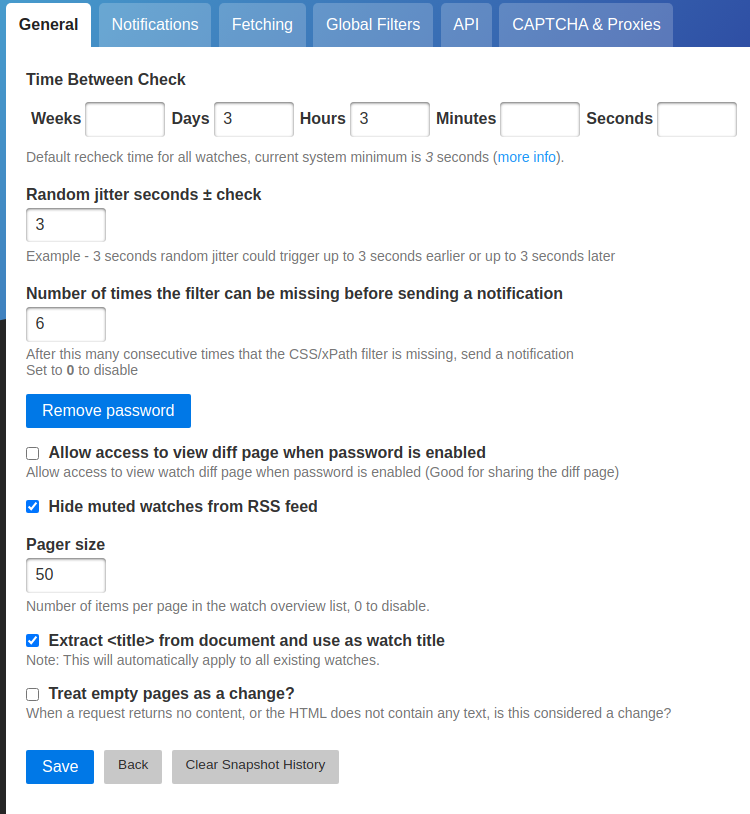
  • Time between check: By forcing a convenient interval between checks, you try to find a balance between information overload and staying current. Pick your poison, but don't hesitate to override this setting at per-watch level.
  • Extract from document and use as watch title: it's convenient to let Changedetection take care of naming your watches based on the webpage titles rather than leaving the sometimes very long and non human-friendly URL as a default description.
  • Random jitter: this is handy to avoid stressing your I/O too much.

General > Group tag

This one is mostly for better organizing stuff, as I mentioned I follow those changes through RSS, I noticed it was harder to distinct between important and less important stuff because I was following the default RSS feed, but Changedetection provides distinct RSS feeds per groups/tabs of watches, and that's my preferred workflow now.

I'm trying to always set a label, I have around 15 in total, some for specific interests (privacy, discovery aka list of links, devops, music, ...) or specific people, locations and business updates. The rest is generally less important and is labelled with things like FOMO, misc, ...
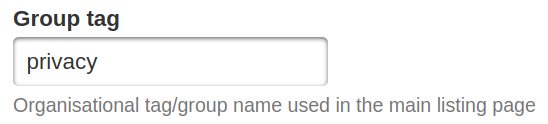
Example of group tag.

Those group tags appear as labels next to the URLs you are watching.
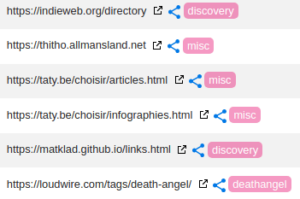
Example of labelled URLs.

If you want to watch a whole group through RSS, link is at the bottom right of the page on the group tab.

Filters & Triggers > Remove elements

It's common on bloated rich web pages to want to focus on specific parts, like everything between <header> and <footer> sections, so I sometimes have to add footer and header. It's mostly needed for sites like eBay, 2ememain, where we can buy and sell things.
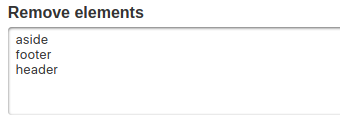
Remove HTML elements.

Filters & Triggers > default filter and triggers
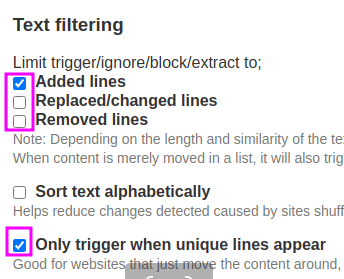
my Text filtering defaults in Changedetection.

This is purely for spam reduction as I mostly want to know when something new is made.

Sometimes I also enable Sort text alphabetically depending how the page is updated by its author.

🆕 Those new settings have been added recently and I'm also enabling them on new watches:
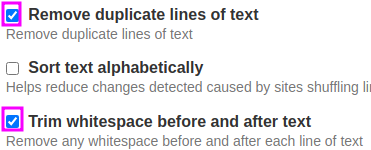
Extension

Try the web browser extension for Chromium based browsers, it makes watches one-click away.
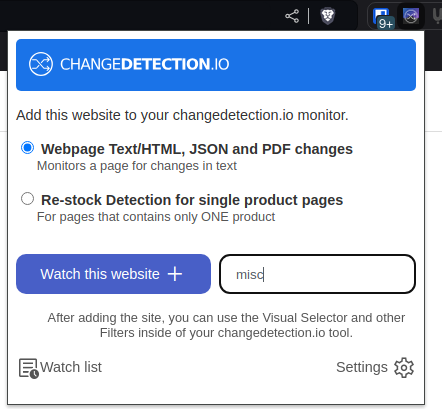
Next

I've opened a discussion in Changedetection's repository to talk about how repetitive it feels to me, in the hope we can see something like template settings be proposed in the future, at least for the filters & triggers which I consider is not too hard to start with.
Minifux scraper rules

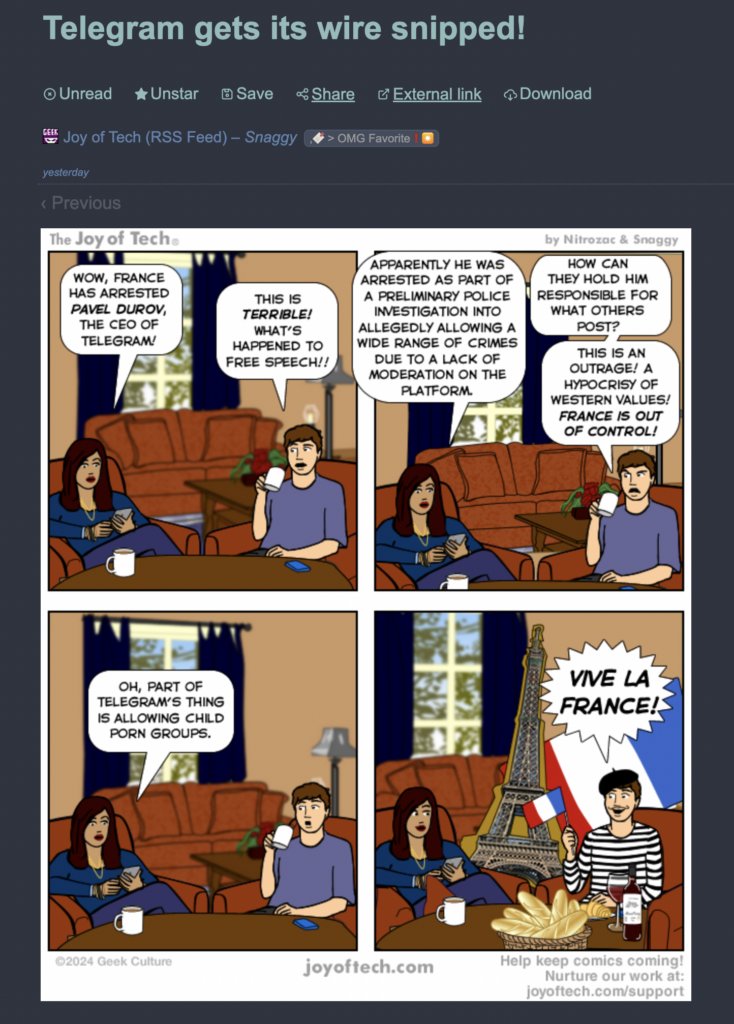
I'm following Joy of Tech comic via RSS in Miniflux but the image was never loading.

I found half a solution on this blog post of Jan-Lukas Else, unfortunately the proposed solution fails probably as a consequence of some changes in the format of Joy of Tech pages.

The fix is quite simple actually. so for the feed at URL https://www.geekculture.com/joyoftech/jotblog/atom.xml, edit the feed settings, set the scraper rules to the following:

p.Maintext > img[src$=".png"]

And of course enable "Fetch original content" in the feed options.

And voilà, simple and beautiful.

The Shipping Never Ships

A Frustrating Journey with Death Angel Merch

TLDR; I ordered a t-shirt from Death Angel's online store (https://shop.deathangel.us/), but it turned into a frustrating two-month saga involving poor communication, customs issues, and ultimately, a returned package. Here are some lessons and tips for online shoppers and businesses to improve customer experience.

The Story

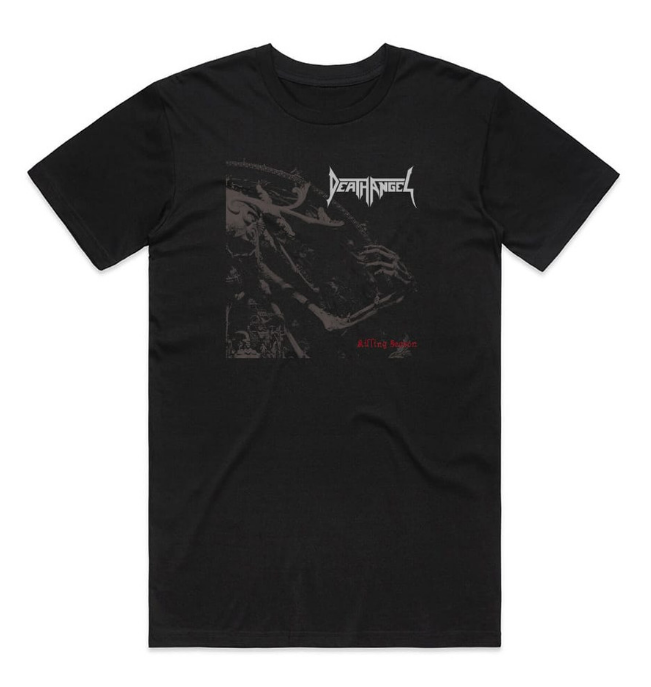
It all started with a simple desire: to own an album tee of my favorite Thrash Metal band, Death Angel's "Killing Season." Living in Brussels, Belgium, I ordered the shirt from their official store in the U.S. Despite some initial reservations about carbon impact and international shipping, the excitement of owning my first music-related clothing overrode my concerns. Also, none of the local stores I had contacted could help me.

The Order Process

In April 10, I've passed order. The confirmation came with tracking links, and after a few days of printing, the item was on its way to Brussels. UPS updates kept me informed until the package landed in Belgium (April 23) and reached customs. That's where the trouble began.

The UPS and Customs Nightmare

Once at customs, the tracking status stagnated until the end of April. After multiple contacts with both Death Angel's store and UPS, it became clear that the package was stuck in a bureaucratic loop. UPS and customs both directed me to the other for information, while the store could only offer apologies and told me to wait.

More Frustrating Exchanges

Further communications with UPS and Death Angel's store continued in a frustrating cycle. UPS informed me they needed the MRN (Movement Reference Number) from the sender, which the sender didn’t have. The package was returned to international carrier. with the status "refused by addressee," despite me never being contacted. The package is currently in Switzerland ¯_(ツ)_/¯.

Timeline of the First Order

  • 04/12/2024: Order information received
  • 04/16/2024: Package received for processing (Bensenville, IL, United States)
  • 04/17/2024 - 04/18/2024: Package processed and departed multiple international carrier facilities in the U.S.
  • 04/23/2024: Package arrived at international carrier and customs office in Belgium
  • 05/21/2024: Package cleared customs but was returned to the sender with a "refused by addressee" status (Belgium)
  • 06/12/2024: Package processed in Switzerland

Timeline of the Second Order

  • 05/29/2024: Order information received
  • 05/30/2024 - 06/05/2024: Package received, processed, and departed multiple international carrier facilities in the U.S.
  • 06/10/2024: Package arrived at international carrier and customs office in Belgium
  • 06/25/2024: Package cleared customs but was returned to the sender with a "refused by addressee" status (Belgium)

Additional Frustrations

Throughout this process, several additional issues made the experience even worse:

  • UPS Support: UPS support is abysmal; no one seems to know anything about their own organization. They redirected me to the sender and lied about the package status, showing it as "refused by addressee" when it was likely due to poor packaging or documentation from the shipper.
  • Communication Loops: UPS support redirected me via chat to a non-responsive email, creating an endless loop back to their chat support.
  • Tracking Number Confusion: UPS has various tracking number formats (1Z...) that are inconsistent and incompatible with their tracking tools, making resolution difficult.
  • Shipper Blame: The shipper blamed their subcontractor, but only after my second attempt to order the same album tee. I was advised to reorder with a different recipient address, which resulted in the same failure.
  • Death Angel Support: Death Angel support does not always respond via email or Facebook. They are polite but unhelpful, telling me to wait or contact UPS, who then tells me to contact the sender. Death Angel delegates to a subcontractor I cannot contact, creating a dead end.
  • Waiting Game: Everyone advises waiting one month after the latest UPS status, but this doesn’t improve anything. A status should update every few days, not weeks.
  • Confusing Updates: With the second order, the package status was confusing, showing it in Belgium for a few weeks before updating to "departing from USA."

Lessons and Tips

For Shoppers:

  1. Track Your Orders Religiously: Use all provided tracking links and stay on top of updates. UPS won't proactively update you, but https://visualping.io/ can be quite helpful.
  2. Know Your Rights: Understand the return and refund policies of the store.
  3. Document Everything: Keep a record of all communications. This helps in case you need to escalate the issue.
  4. Consider (local if any) Alternatives: Sometimes, local stores or third-party sellers can provide the same items without the international shipping hassle.

For Businesses:

  1. Clear Communication Channels: Ensure your support team is well-versed with the logistics process and can provide clear guidance.
  2. Partnership Accountability: If using third-party shippers, maintain a close relationship to quickly resolve issues.
  3. Customer Empathy: Understand the frustration of your customers and provide regular, meaningful updates.
  4. Proactive Support: When issues arise, take ownership and actively work to resolve them instead of passing the buck.

Conclusion

This experience was a test of patience and highlighted significant gaps in the customer service process for international orders. By sharing this story, I hope to raise awareness and encourage both shoppers and businesses to improve their practices. While I eventually ordered a similar tee from another store (https://albumcoverstickers.com/), the disappointment with the official store remains. However that new store seems a bit cheaper and I'm hopeful the same experience won't repeat

Have you had similar experiences with online orders? How did you handle it? Share your thoughts and tips below. Let's make online shopping a better experience for everyone.

Dark patterns collection

i.e UX patterns that make me feel like I should report to https://grumpy.website/.

I'm regularly battling to browse the web like before and maintain Inbox Zero for my work and personal mailboxes and I have to say it's not a fun game. Especially when some crappy tactics at are play like below.

Let's start a collection with the patterns I criticize and update this post regularly with findings.

CloudFlare (via RYM / rateyourmusic.com and many others)

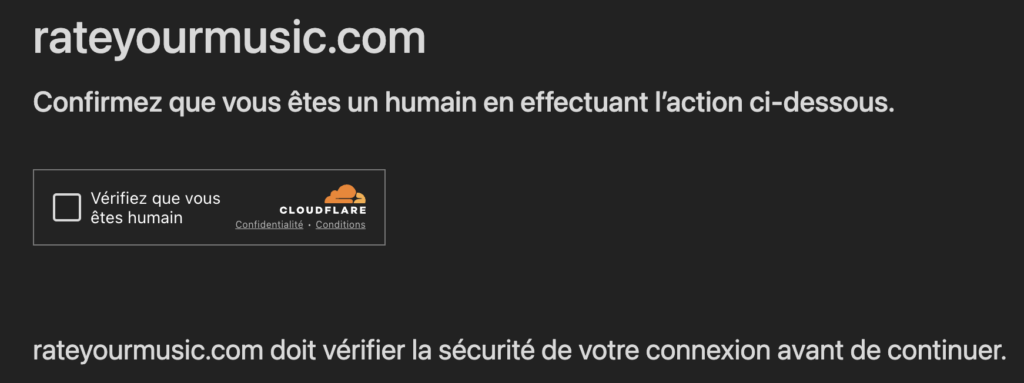
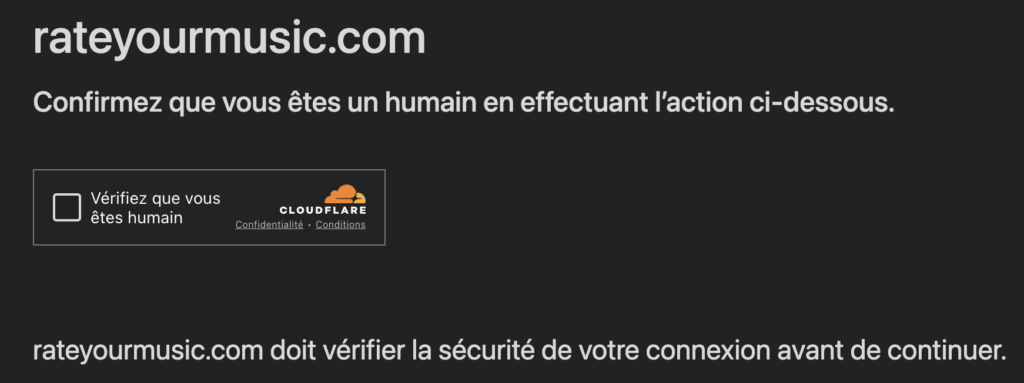
Every few clicks when browsing their website with my paid account, I'm facing this "human status check" which is a big annoyance. I've informed them it's a pain, especially every few clicks and as a subscribed user. They promise their developers are working on it. We will see...

Elastic.co

First example is Elastic (elastic.co), with a work email I never asked for, inviting me to a local event. The email is long and I don't care about the Pizza party at all which is the first thing they mention in their agenda. I want to stop receiving such emails.

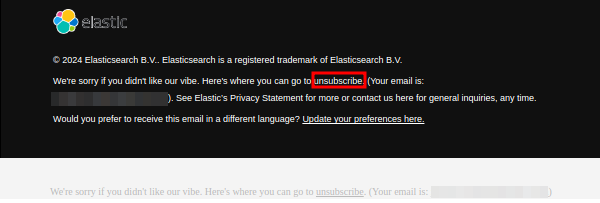
Looking at the bottom of their email, I notice a first unsubscribe button.

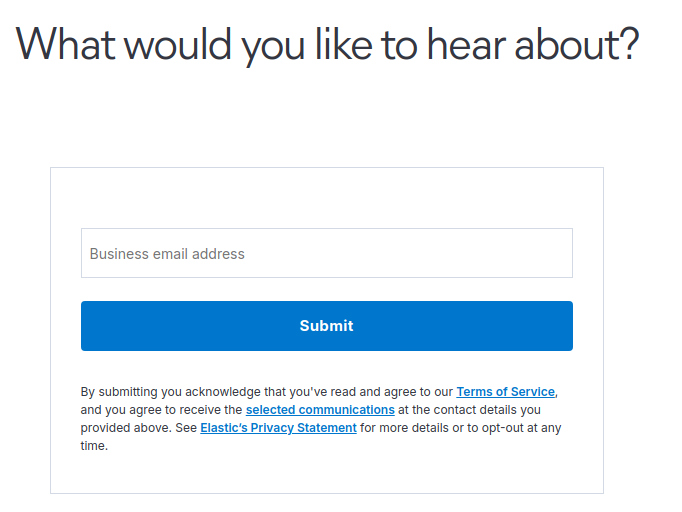
It redirects to a subscription page... (see below). Clever... !

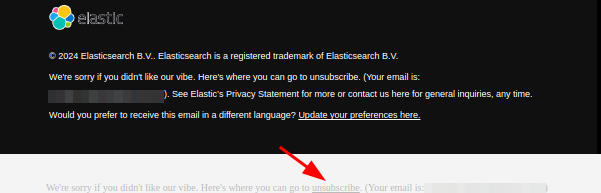
When looking more closely, there is a second unsubscribe button, very hard to see due to the lack of contrast.

Who has then time to fill their unsubscribe form ? Not every weirdo. But that's it seems the effort which is due just for allowing me to regain a little more quiet in my mailbox. So now you know.

Homebrew (Mac)

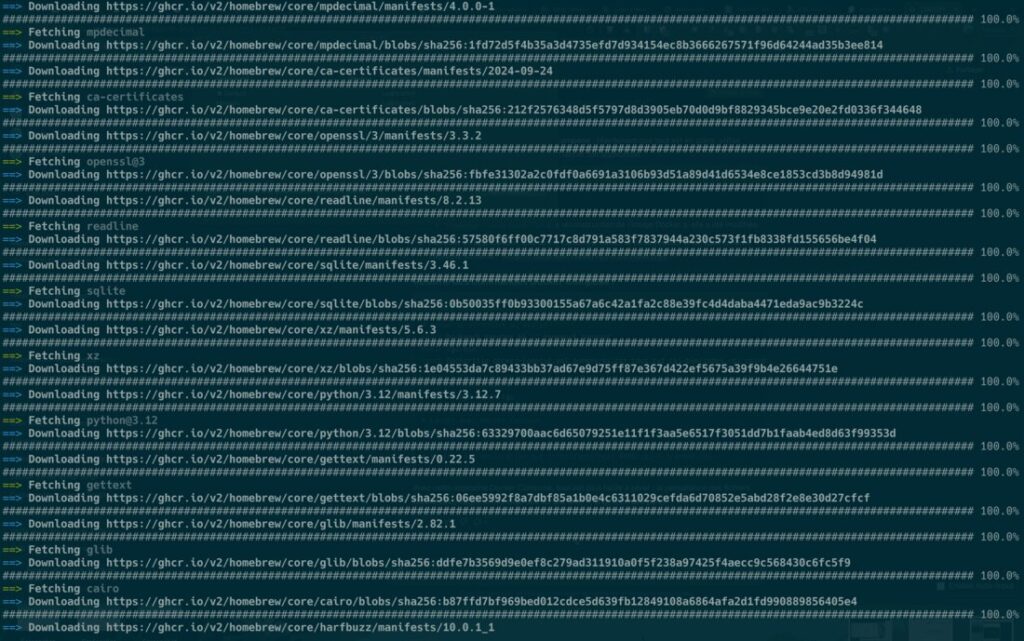
You use brew install to run a small utility binary and ... you scroll through 630 lines of output and recompilation to see if your utility is finally there. WHY. SO. MUCH. OUTPUT.

Medium

No, you shall not ask my private data show me some HTML on the web. Well tried but nope.

I won't trust your doomed kingdom. Related: Don’t build your castle in other people’s kingdoms.

OpenAI / ChatGPT

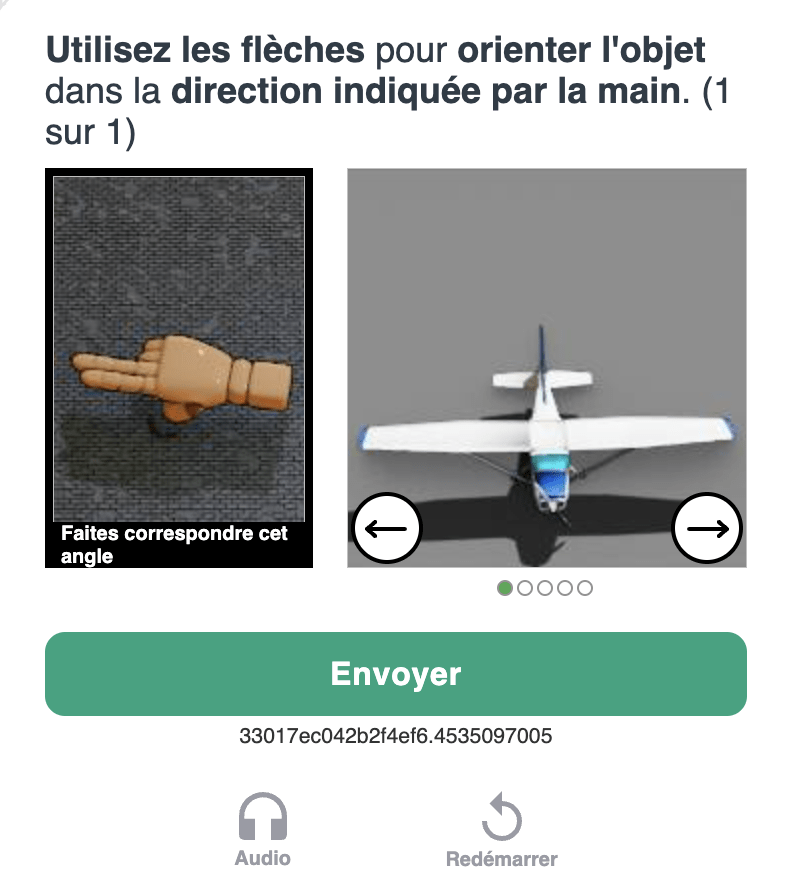
I regularly have to play a few puzzles successively. In average 2 or 5. If you fail, you start over. It's very time consuming.

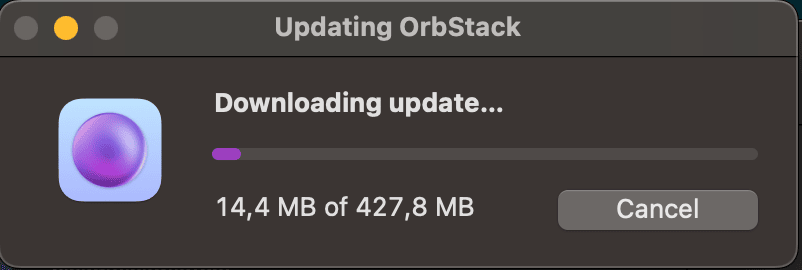
OrbStack updates

Leave me develop please.

RateYourMusic / Sonemic

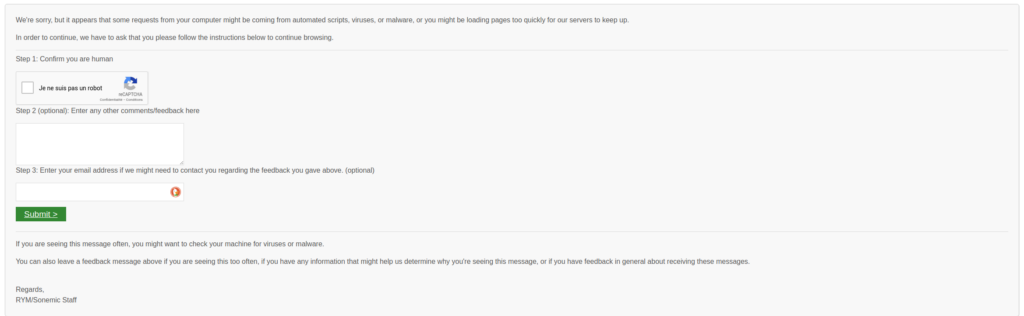
This ones make me sad as RYM belongs to my favorite bookmarks. We are punished with this "prove you are human" form every few clicks. So annoying.

And also, from time to time.... Thank you CloudFlare.

NodeBB

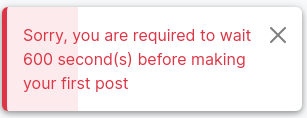
Preventing users from contributing a forum for some arbitrary period is quite stupid especially if done AFTER you accept their account registration.

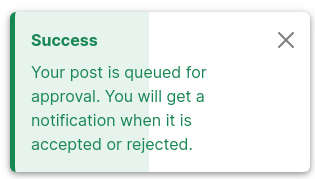
Once the waiting period is completed, the post is queued. This is better, yet annoying of course.

OVH

After months with Contabo (VPS), I decided it was time to close my domain and hosting subscriptions managed at OVH. I disabled the automated renewal a few weeks ago, and managed to setup redirects on my old websites. My subscriptions should be cancelled automatically but I can't wait and I want to get that out of my mind, so I want to force a manual cancellation.

To my surprise, it took me a lot of emails and exchanges with support. I understand the security measures and no one would like its accounts and services revoked by accident.

The problem is mostly the poor UX and customer support for getting this done. Let dig deeper.

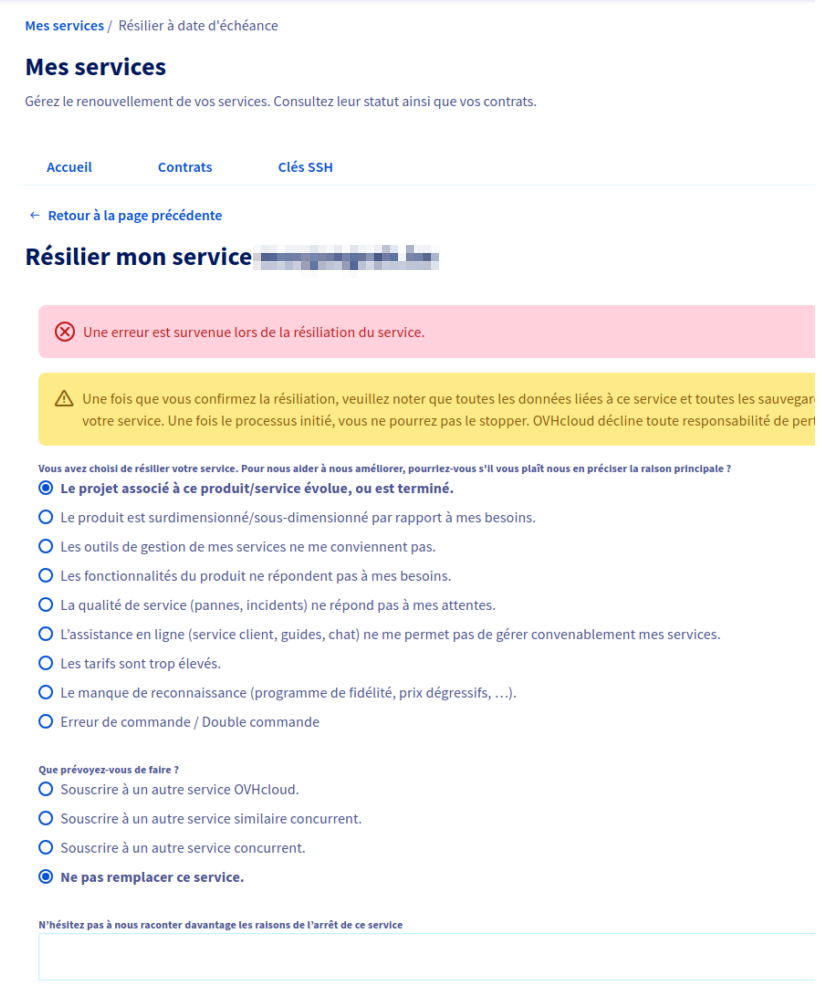
When trying to cancel any service, I just get error without explanation nor resolution steps.

Later did I find emails from OVH asking me to confirm my revocation, so I could at least complete some of the steps, but it required me to leave my workflow and switch from my admin panel to emails, then manage those emails, then double check my admin panels for updates of services statuses...

In the end I opened a ticket to OVH support asking them to delete my account and the related services. They closed the ticket asking me to close my account only after services are revoked, which let me again with an unresolved solution.

I had to reopen the ticket and provide them the evidence above so they know I can't close some of my services. Closing a customer complaint on user's behalf without asking feedback is probably a tactic for improving their KPIs, but it ultimately tell they consider their customers to be nothing more than complainers with no real problem to be solved. This also tell the culture of OVH has diverged from customer first. No wonder I'm leaving you, OVH, as I'm expecting more from a service provider.


Mastodon